
10.26 inch Car Play Screen,Wireless CarPlay & Android Auto Dash Cam Rear Camera Multimedia Stereo,AUX FM Radio,Car Touchscreen
(A)NO DVR / Poland
255,56 lei
Preț la ofertă
255,56 lei
Preț obișnuit
255,56 lei
Salt la informațiile despre produs



10.26 inch Car Play Screen,Wireless CarPlay & Android Auto Dash Cam Rear Camera Multimedia Stereo,AUX FM Radio,Car Touchscreen
255,56 lei
Preț la ofertă
255,56 lei
Preț obișnuit
255,56 lei
SPECIFICATIONS
Brand Name: srnubi
Certification: CE,RoHS
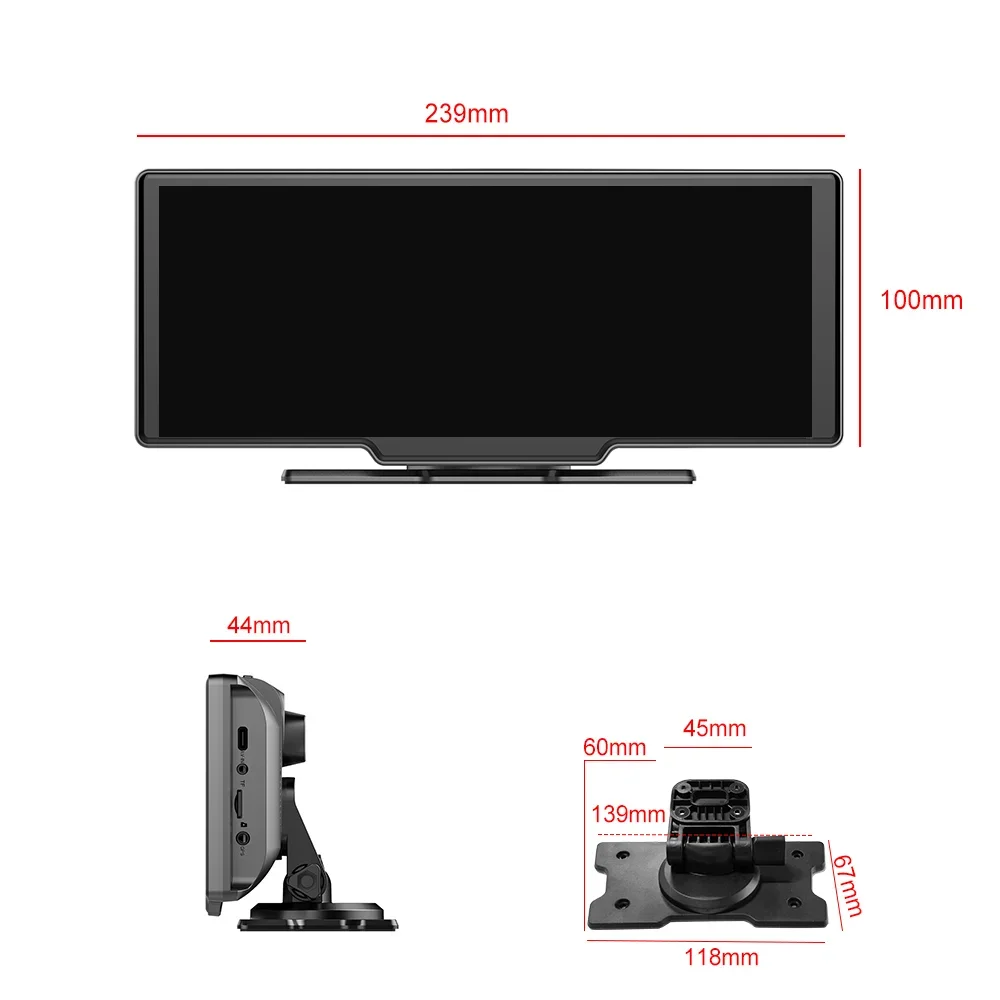
Display Size: 10.2"
Item Type: Car Monitors
Origin: Mainland China
Placement: In-Dash
Description
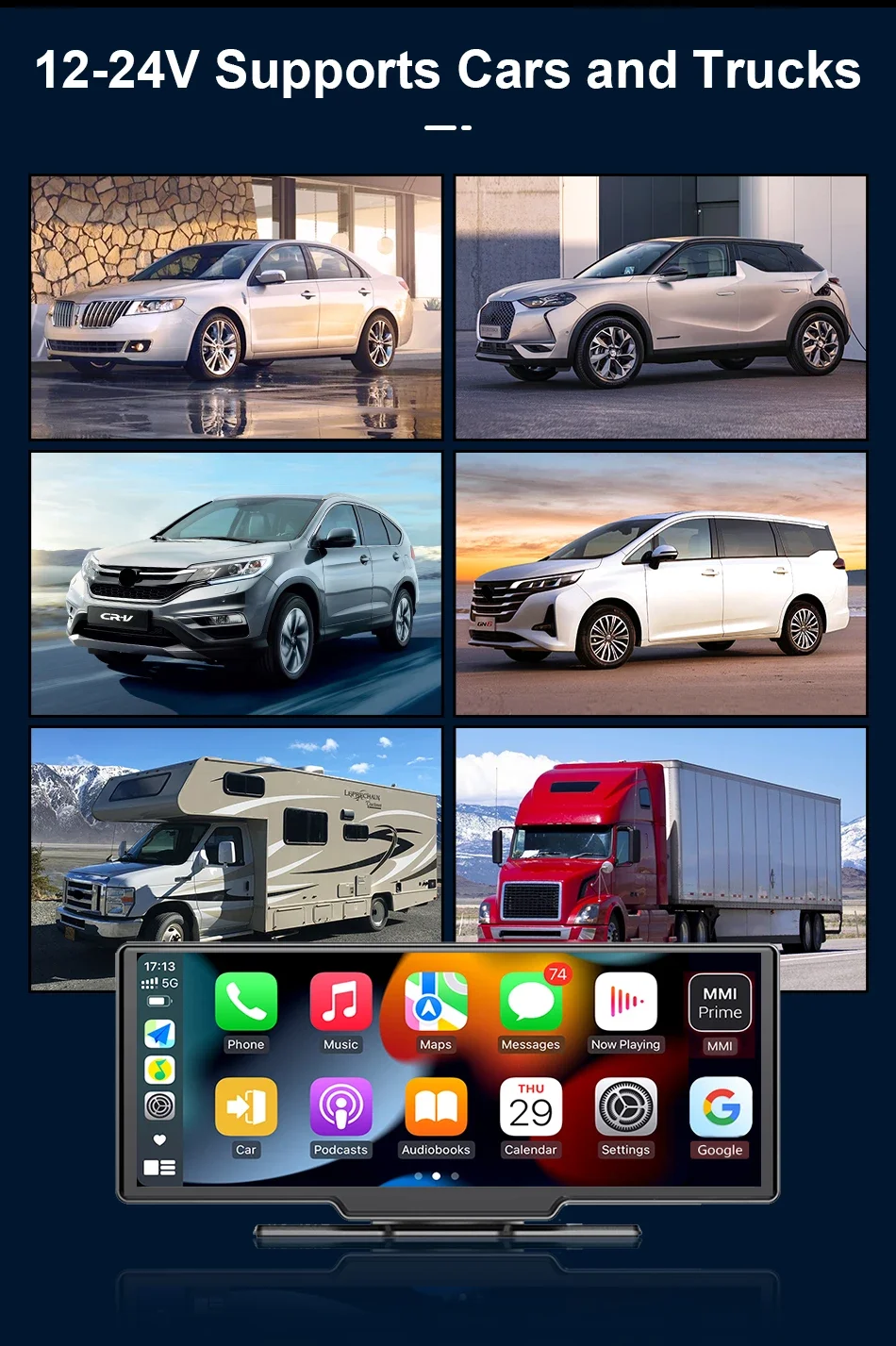
1. All configured products support wireless Carplay and Android auto functionality, but some models of Huawei, Samsung, and Xiaomi phones do not support the use of Android auto functionality.
2. This product does not include the Android system, so it is not possible to download any apps on the machine. However, mobile apps can be used on the machine through the mobile internet function. Some video apps on the phone cannot be used on the machine, please be aware.
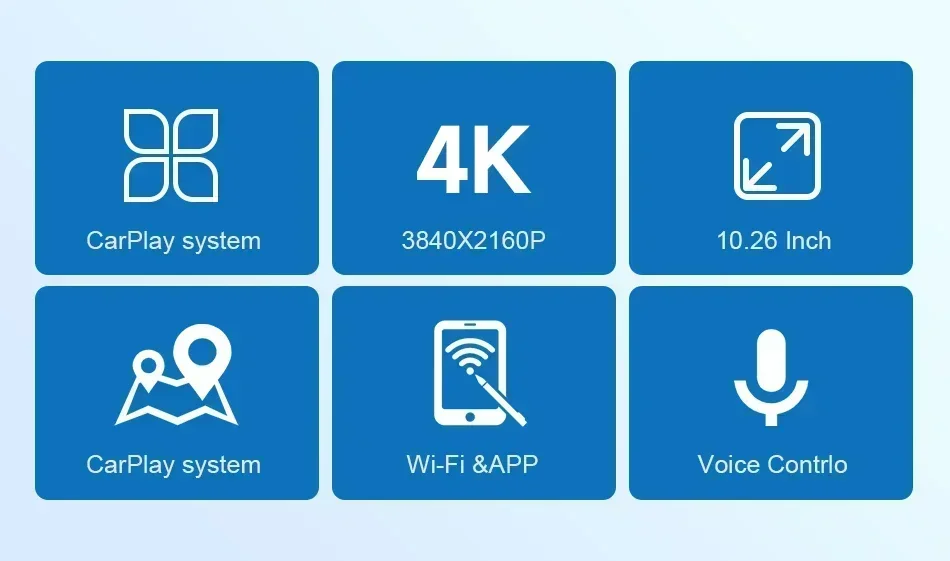
2. The configuration and functions of the product need to be based on the configuration diagram, and the advertising title in the product link only collects some of the product's functional points.
3. Model does not have a front camera and cannot record driving videos. It can be inserted into an external storage card and can play external audio files
4. Attention: If you encounter any problems with the product, it is recommended to contact the customer service staff first. They will do their best to provide you with a reasonable solution!
(Wireless Connections, via BT or WiFi)
Note:
Carplay's Bluetooth does not directly connect to the Bluetooth of the car radio. Once the phone is connected to the Carplay of the device, it can also be connected to the car's Bluetooth, and sound can be emitted through the car's speakers.
The Android Auto function does not support Huawei phones, and Huawei phones have stopped cooperating with Google.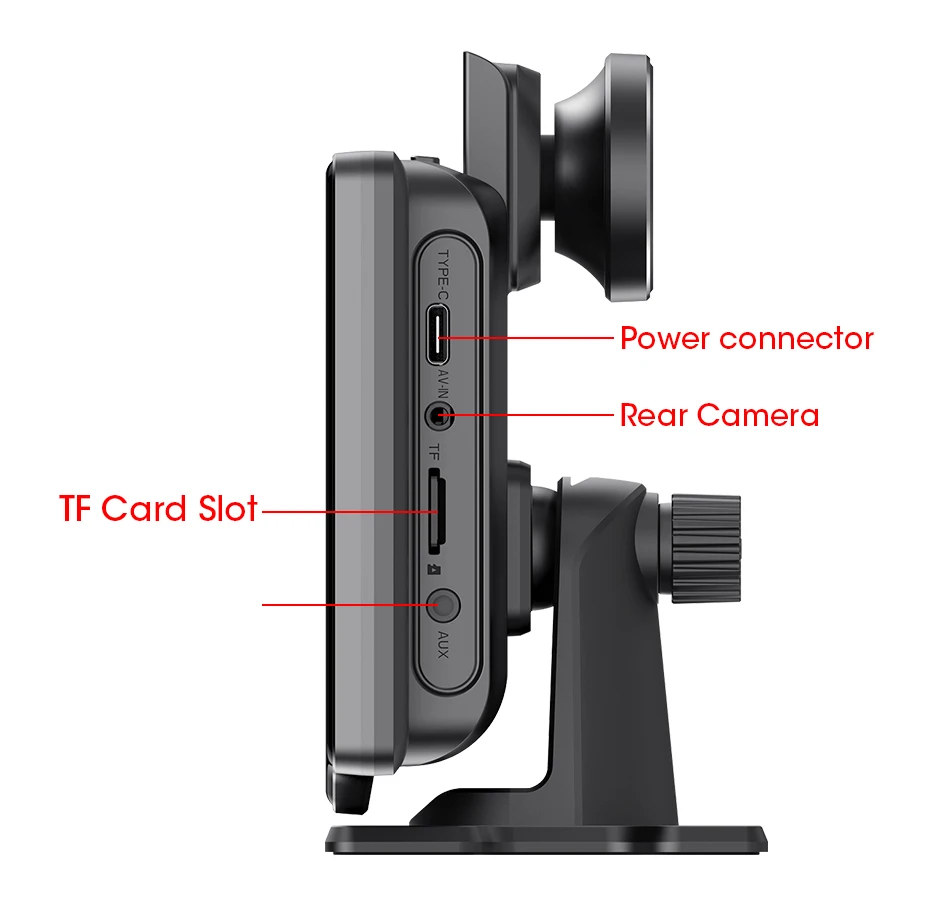
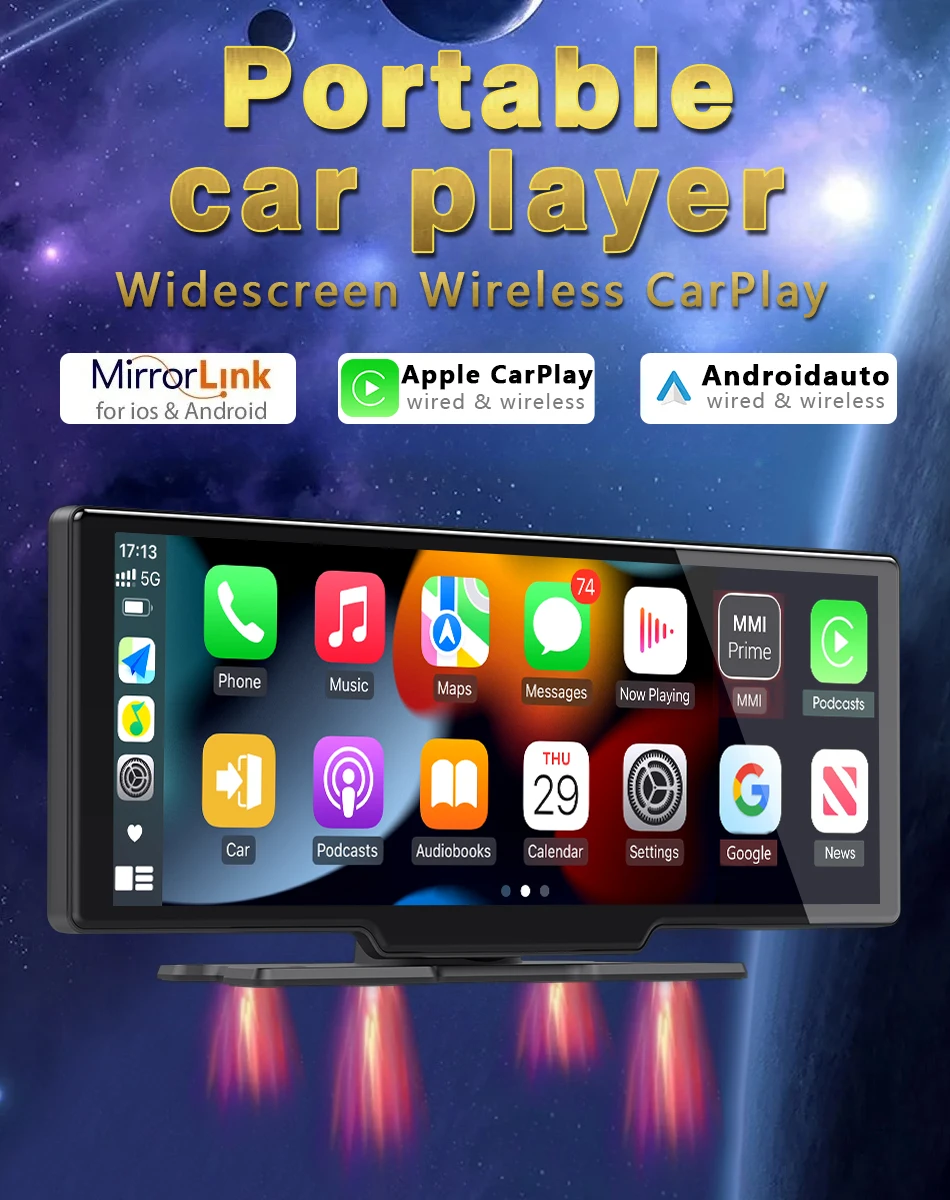
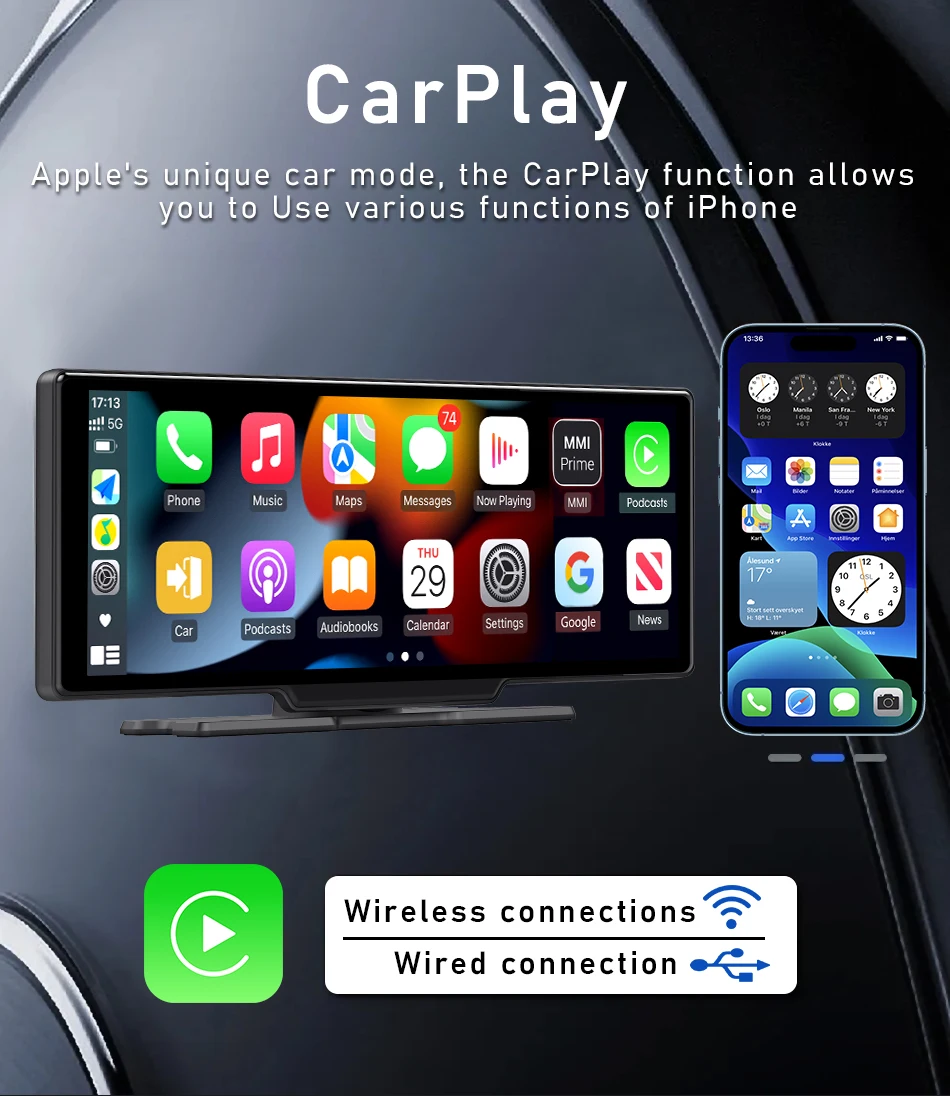
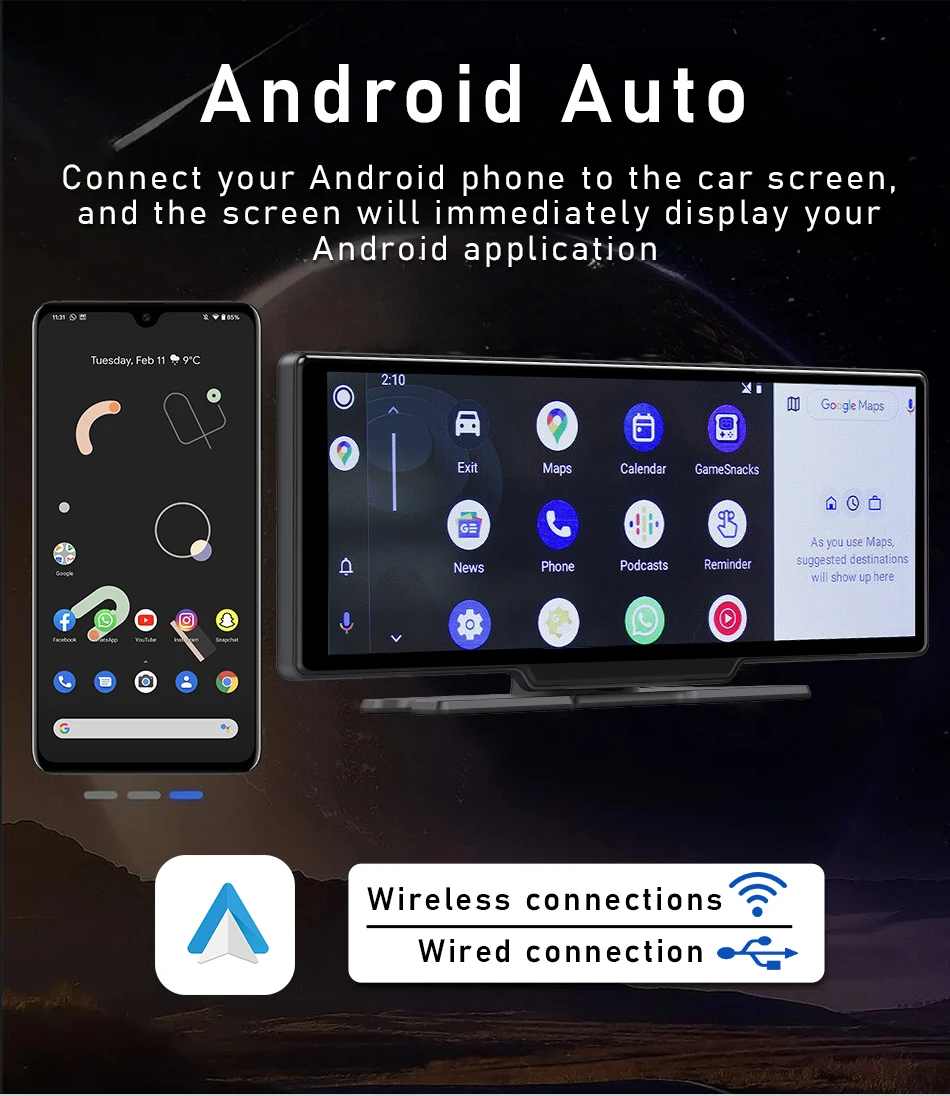
Wireless IOS Carplay & Android Auto


5G Hz WiFi & APP Connection
srnubi built with the latest 5G Hz High-Speed WiFi. You can connect your mobile phone through the WIFI APP.
You can view images in real time and quickly download videos and pictures recorded by DVR.
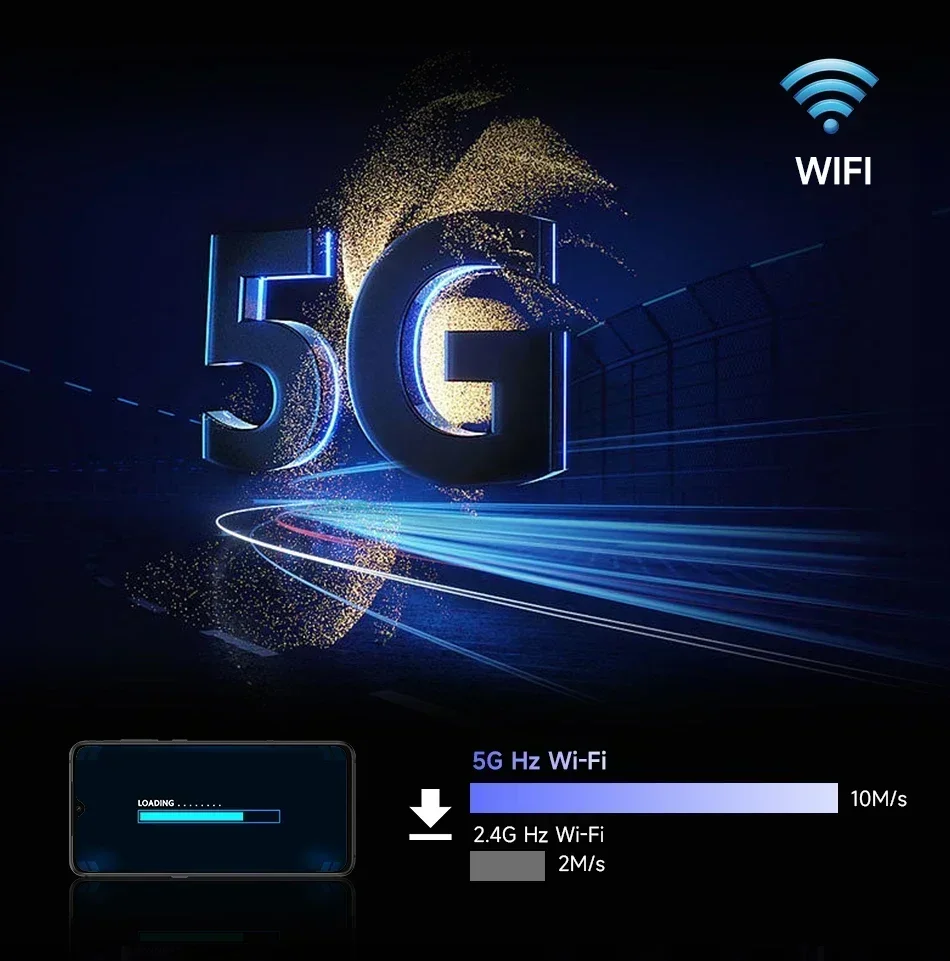
srnubi built with the latest 5G Hz High-Speed WiFi. You can connect your mobile phone through the WIFI APP.
You can view images in real time and quickly download videos and pictures recorded by DVR.
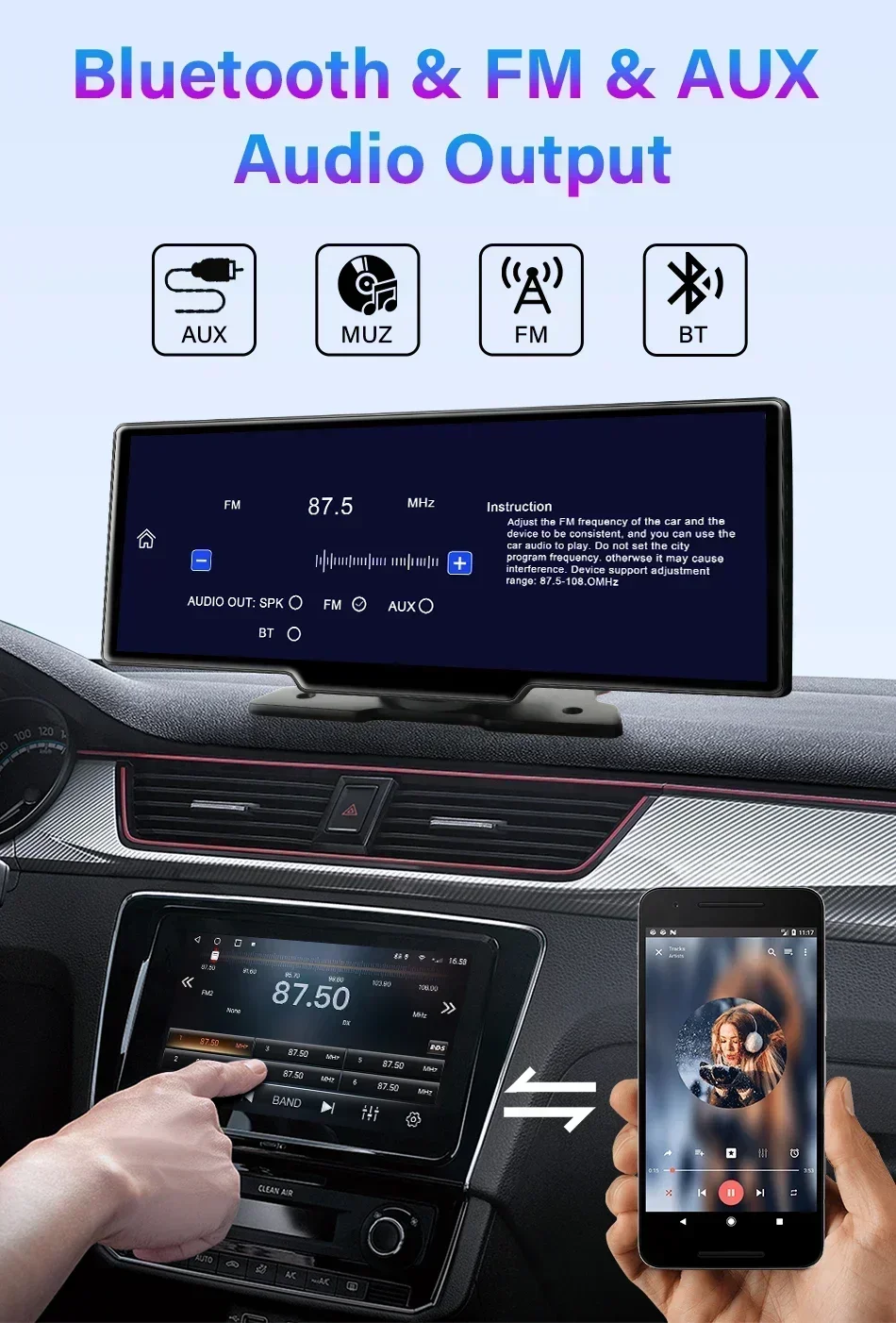
Support FM / AUX / SPK / Bluetooth 5.0
Srnubi Added Bluetooth output audio to the car audio system. Bluetooth output audio is more stable and has better sound quality. If your car is not using AUX audio well, you can change it to Bluetooth output audio.
Srnubi Added Bluetooth output audio to the car audio system. Bluetooth output audio is more stable and has better sound quality. If your car is not using AUX audio well, you can change it to Bluetooth output audio.
When you use AUX cable to output audio to the car audio system, you need to select AUX mode. Otherwise, it will have no sound
(Package includes AUX cable)
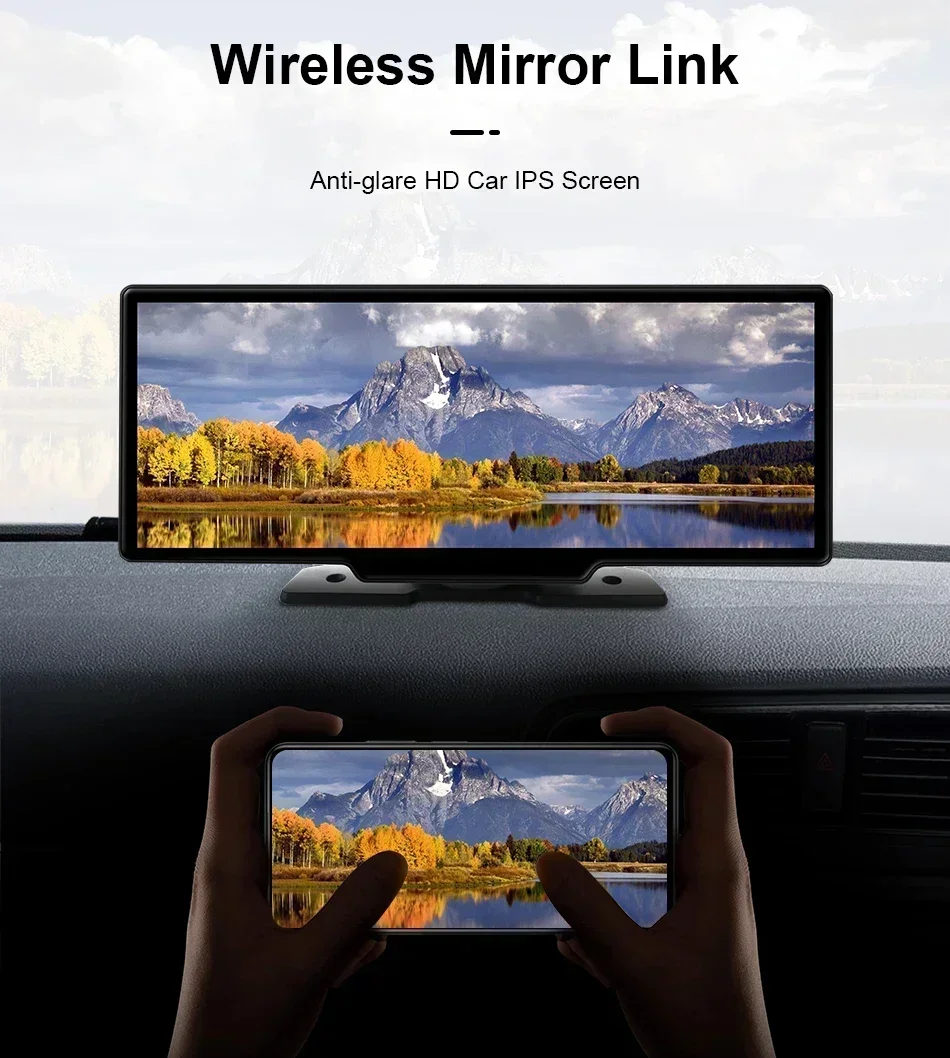
Support Wireless apple airplay / android mirror
Supports 4 display modes
1. Large screen Carplay & Android Auto view. / 2. Split screen Carplay mode+reverse camera view
3. Large screen front camera view / 4. Split screen front camera+reverse camera view
(Package includes AUX cable)
Support Wireless apple airplay / android mirror
Supports 4 display modes
1. Large screen Carplay & Android Auto view. / 2. Split screen Carplay mode+reverse camera view
3. Large screen front camera view / 4. Split screen front camera+reverse camera view
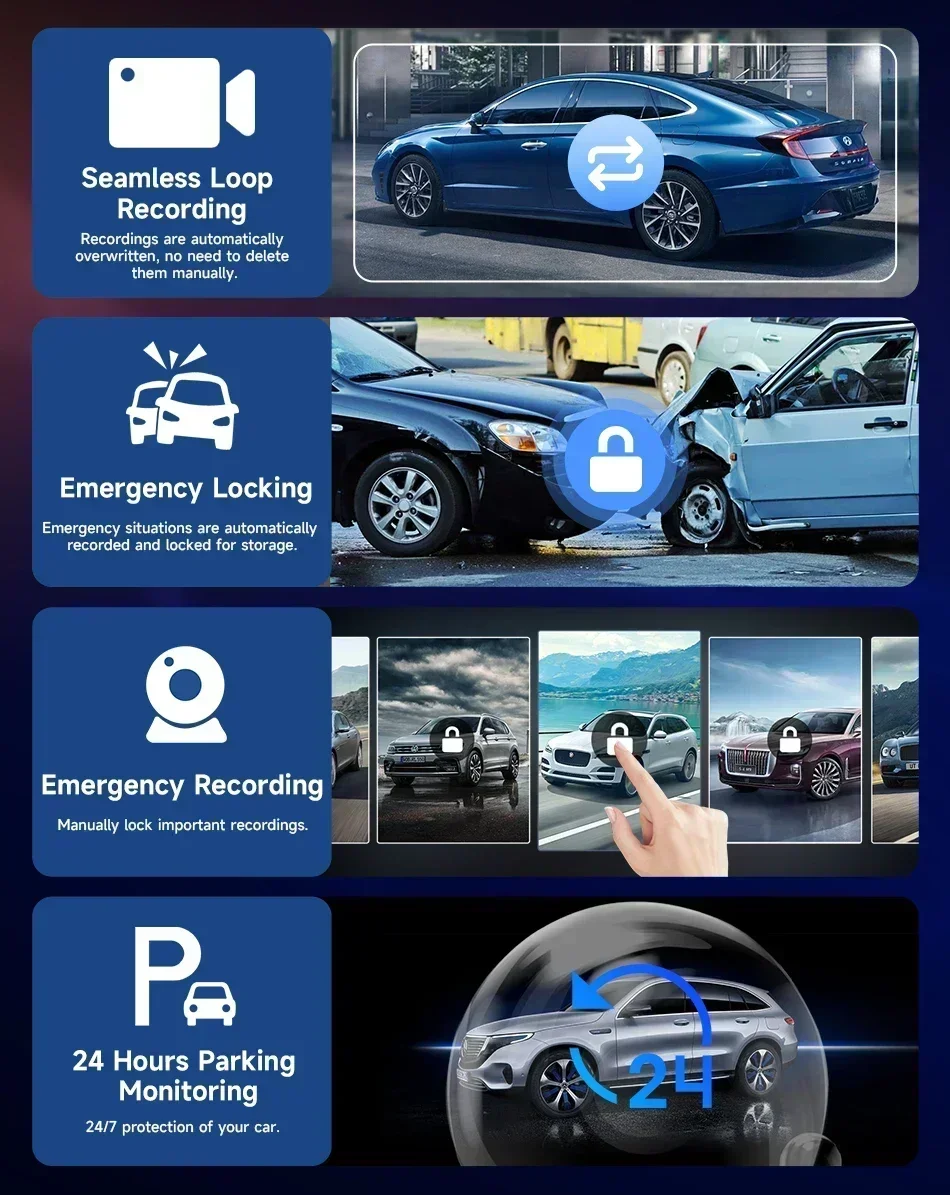
Loop Recording
Automatically overwrite the previous recordings with new files except locked files when the memory card is full.
FAQ:
Q: How to connect Carplay Android Auto features?
A: 1: Turn on the Bluetooth switch on your phone
2: Search and connect the Bluetooth of the product on the Bluetooth page of the phone.
3: Confirm Bluetooth compatibility and click agree to use Carplay and Android Auto.
4: After completing the above three steps, you can start using it
Q: Is it possible to transmit audio to the car's speakers via Bluetooth?
A: Yes, when you connect the android auto or carplay,you can also connect the car bluetooth to listen music directly.
Q: How to sync sound via FM?
A: Choose the FM Transmitter of audio on the device, adjust the channel of the car radio to a blank station, and set the radio on the device to the same frequency as the radio on the car, the setting is complete.
Q: How to sync sound via AUX cable?
A: Find the AUX cable, then connect one end of the cable to the "AUX" port on the slide right of the device, connect the other end to the AUX-IN port on the car, and enter the AUX playback interface of the car radio to synchronize the sound - Set up.
Q: Why is the product not working properly? Repeated startup?
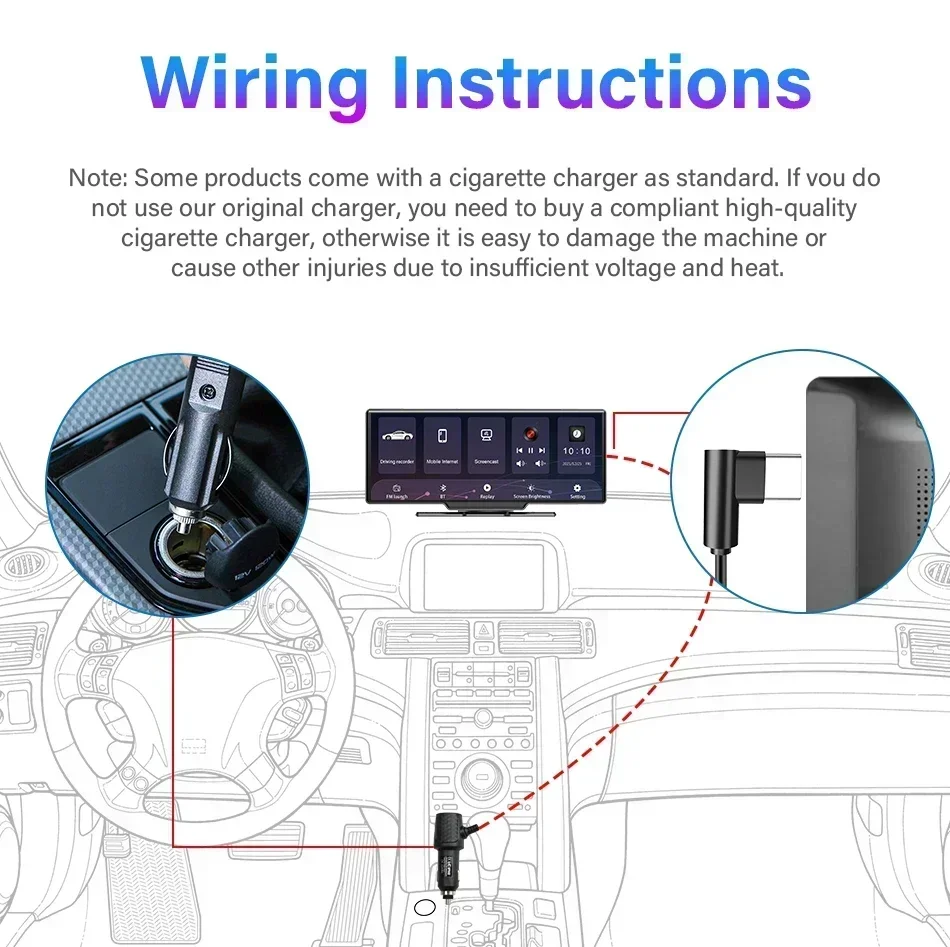
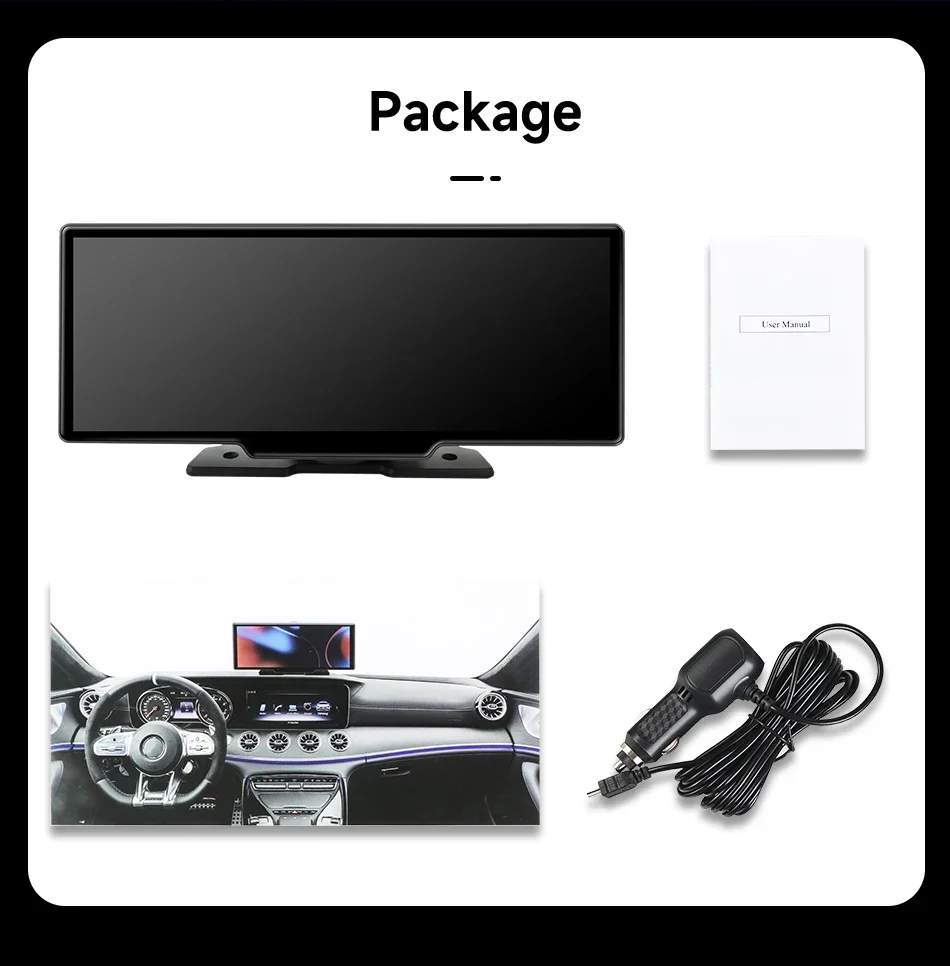
A: 1. My machine must use the original cigarette lighter power supply in the packaging box, please do not use other power cords to start it
2. The working voltage of the product is the vehicle voltage of 12v, the output voltage is 5V, and the current is 3A. Please ensure the working voltage environment and connect and start it inside the car
Q: How to use the "dual Bluetooth" function?
A: Firstly, please successfully match the Bluetooth of the phone with the product, then enter the Carplay function page, disconnect the Bluetooth connection of the phone disconnecting the Bluetooth connection will not affect the normal use of Carplay function, and finally connect the Bluetooth of the phone to the Bluetooth system of the original car radio to achieve dual Bluetooth mode.
Q: How to connect a reversing camera?
A: Please use the reversing camera provided by the product, plug the No. 2 socket into the camera AV port on the side, and then slide left and right on the screen to switch to the reversing camera screen.
(If you use other brands or models of cameras, the camera may not work properly because the camera cable definition is different and the image format is also different)
Q: Why can't I use Carplay Android Auto even after connecting to Bluetooth?
A: For iPhone phones, please open the phone's general settings page, which includes a "Car Play" settings page. Please go to the page to check if all the connected devices you have found are turned on.
For Android phones, some Huawei and Xiaomi phones cannot use Android automatic functions. But when using the Android auto feature, you need to download an application called "Android auto" from the app store in order to quickly connect and use the features of Android auto.